

Features of copainter Upscaling
With just one click, the AI increases the resolution of your illustration. It uses models specialized for illustrations, allowing you to enlarge images without sacrificing line clarity or brush texture. Whether you're posting on social media, printing posters, or creating animations, it delivers high-quality output in any scenario.
You don’t need a high-performance PC or complex software to use this tool. With its intuitive web interface, even beginners can operate it with ease. copainter is a next-generation creative support tool that expands your creative potential and makes the production process easier.
One-click high-resolution upscaling
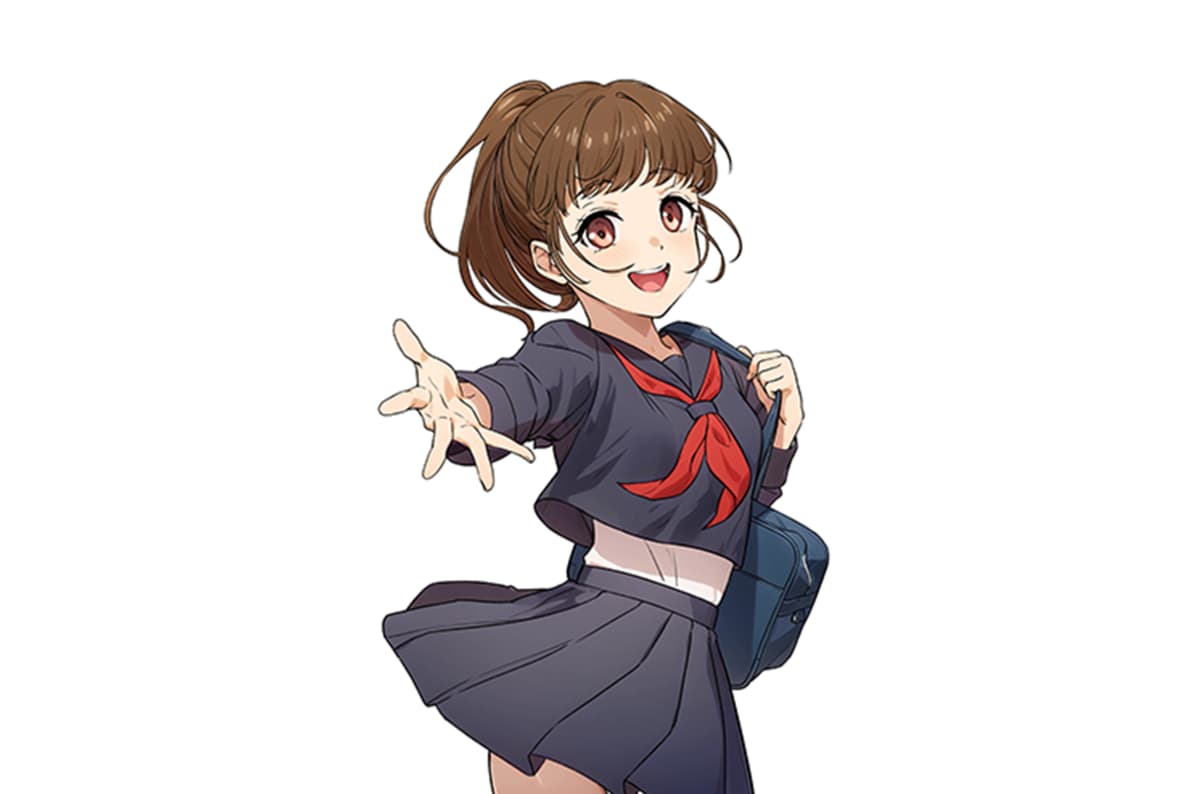

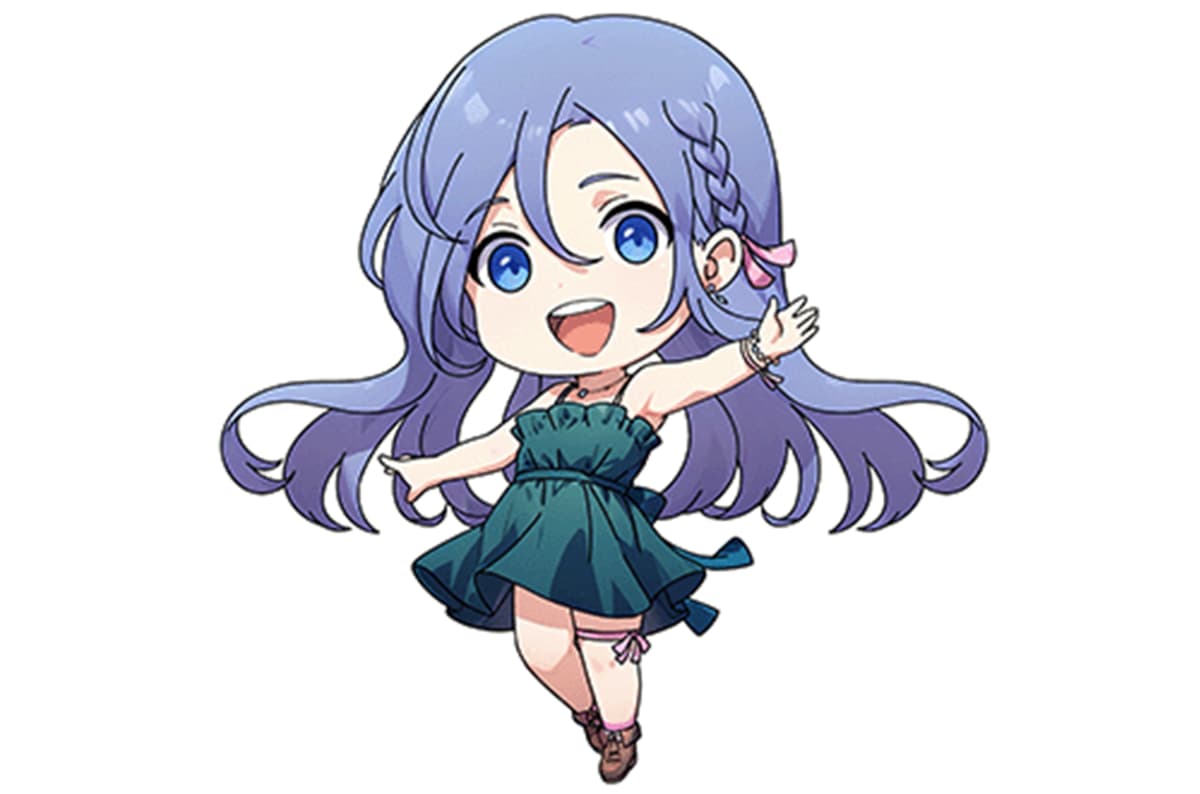

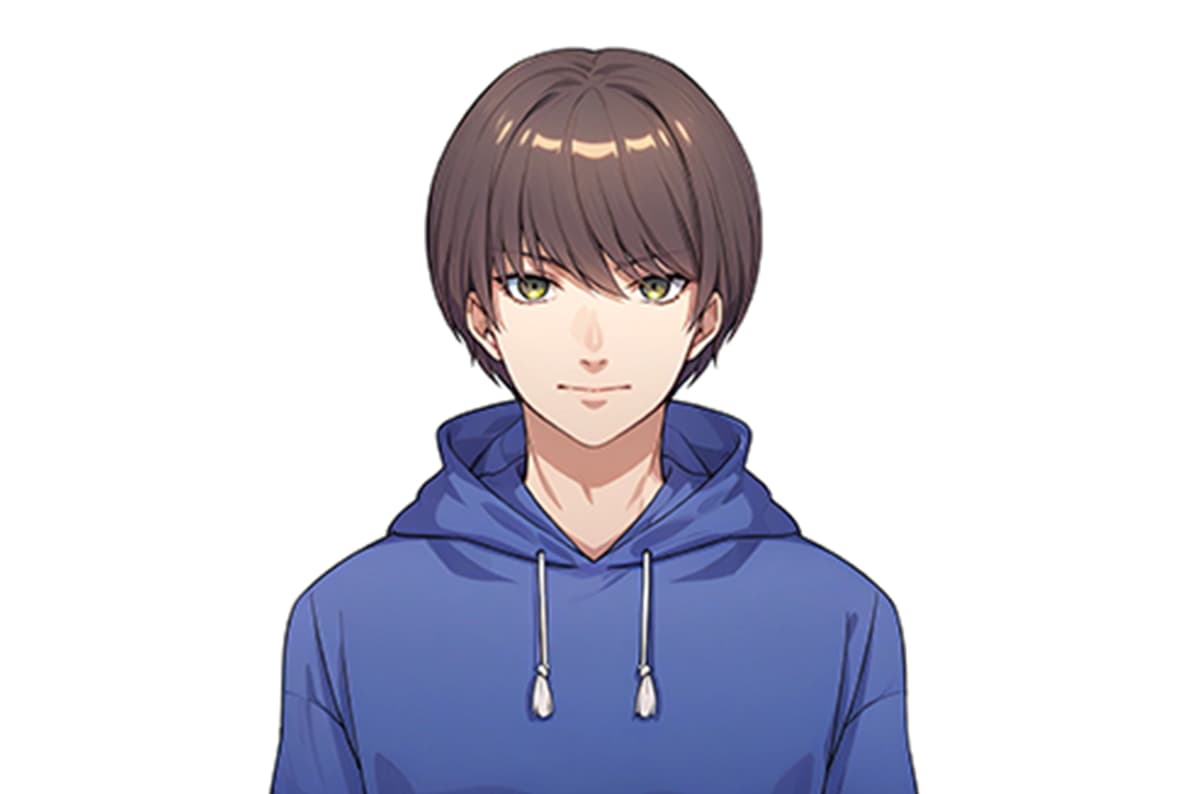

It's very easy to use
Upload your image

Upload the image you want to upscale into the 'Image Input' section of the tool. (Image size must be within 4096px wide and 4096px tall.)
Click submit and wait

Click the submit button and wait a moment. (This will consume 1 ticket.)
Get your high-resolution image!

After about 10 seconds, your image will be upscaled to 4096px on the longest side. If you're satisfied, download your high-quality image!
Why copainter Upscaling stands out
Instant, high-quality results with one click
Just press a button and the AI analyzes your lines and color gradients to intelligently upscale your illustration. It naturally enhances the details while reducing jagged edges and noise, faithfully preserving your brushwork and texture. No external software or complex settings needed—elevate your output quality without disrupting your workflow.


